Feature idea (LEVEL 2)
In a course editor when you create a Rich-Text Activity, you get this dialog:
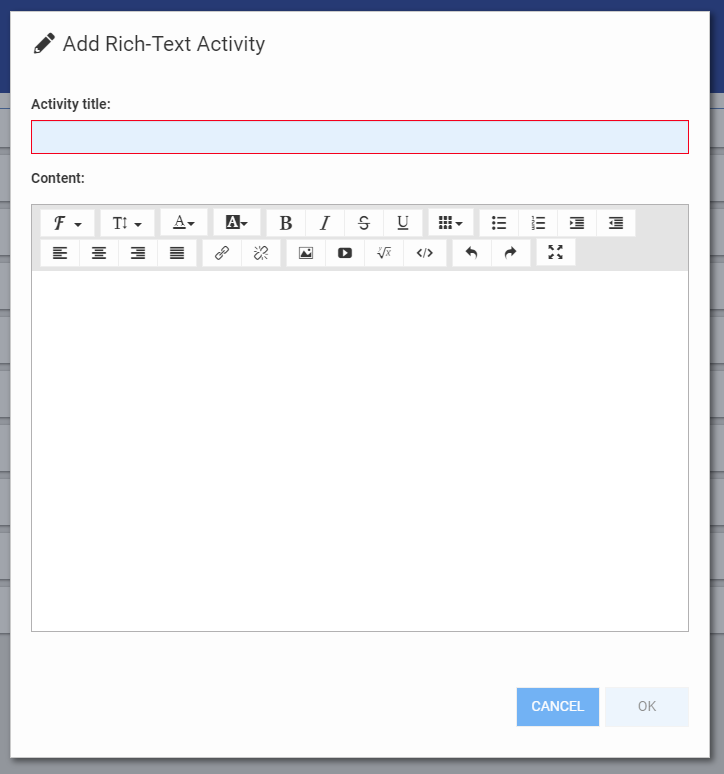
It's a different dialog from the one you get when you subsequently edit the Rich-Text Activity. Personally, I would love to just get to the regular dialog right from the get-go. This one has fewer/different fonts and doesn't offer access to the code viewer for the activity.
Is there some reason/advantage to the minimal one showing up first?
Comments (1)
Hey Jason, this occurs because the quick add options have not been updated (yet) to the full rich text editor. If you select Assignment from the "Add to" dialog, you will get the full experience, but would also need uncheck the "This activity is gradable" checkbox from the Settings tab. Otherwise, you can add the Rich-Text Activity option and then just immediately open it up to use the new rich text editor.