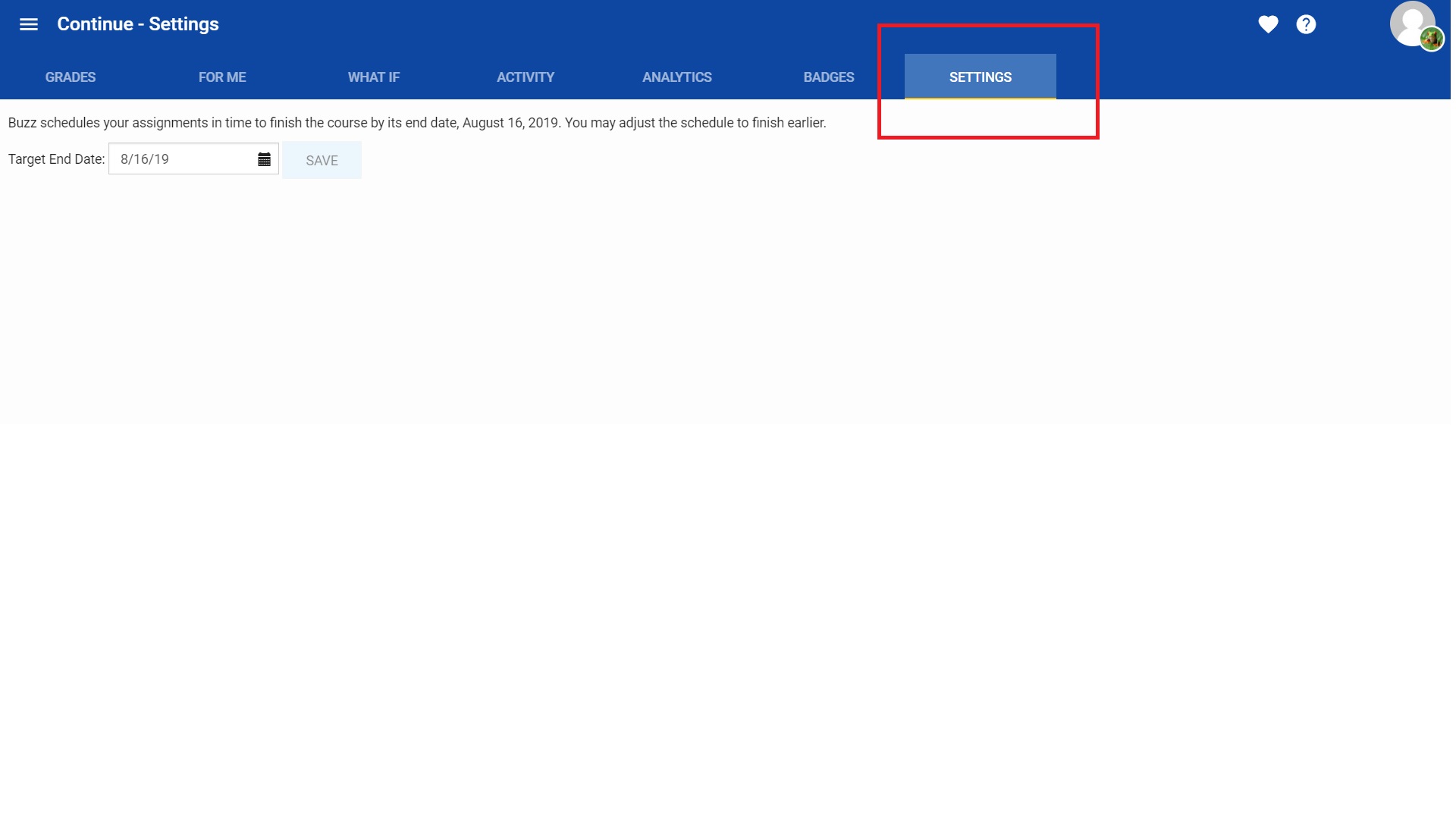
If a student is enrolled in a continuous course, Buzz can schedule your assignments in time to finish the course at a sooner date. To do so, once a student logs into their Buzz homepage, select the continuous course card, select the Grades option from the main menu, select the Settings option in the toolbar. Attached is a screenshot after selecting the Settings option from the tool bar.
Comments (1)
Hello Tony!
If a student is enrolled in a continuous course, Buzz can schedule your assignments in time to finish the course at a sooner date. To do so, once a student logs into their Buzz homepage, select the continuous course card, select the Grades option from the main menu, select the Settings option in the toolbar. Attached is a screenshot after selecting the Settings option from the tool bar.