Answered
When creating assessments with open response questions it can be difficult to grade, especially with math because there is no answer key area provided. Here's my solution for easy grading.
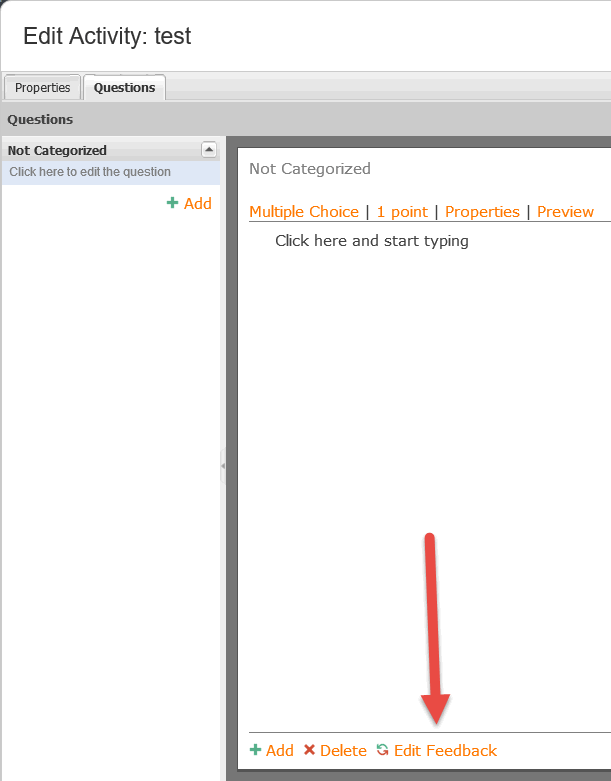
Enter the answer in the question's feed back area. Then select the option to never display feedback for the test under assessment settings. You'll see it when grading, but the student will not.

Comments (1)
That is a great tip, Ryan. I'll share with you two other options to meet this need without removing the ability for students to see their feedback.
Advanced Assessment Editor
If using the Advanced Assessment Editor, you can create teacher-only feedback in addition to feedback available to students. Here is an example:
We plan on making this authoring experience better in the future. You can learn more about it by reading about Feedback in this document.
Custom feedback
Also, you could configure your domain to automatically display this teacher-only feedback box when you select Edit Feedback. Watch this video to learn more.
Below is the code used in the video to display this teacher-only feedback. You can learn more about this custom feedback here.
Let me know if you have any further questions.