Answered
I while ago, I created two pages within a course, and then included a link from the first page to the second page.
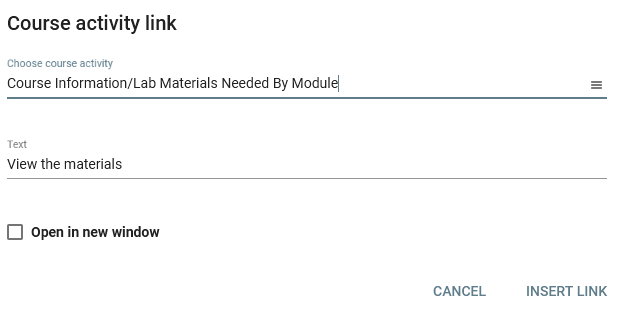
Now when I try to do that, I can't find the feature or the option in the text editor.
When I look at the HTML code to try to do it myself, the html shows href="activity//984a5989-48c8-48a7-8712-b10a160d9c72"
I can see that activity ID when I look at the page being linked to. Is that the only way to do this now? A manual entry? Or is there a way to use the Buzz tools to do the same thing?
Comments (4)
Hello Chad!
Currently the recommended method for linking content to another activity in the same course is to use the Course activity link from the rich text editor toolbar. We do not recommend manually modifying this through the code view as it may cause undesired behavior with the functionality of the activity and content.
Brian,
Thank you; that is what I remember doing before.
Here is my toolbar. Where is the course activity link?
Bottom left button that looks like a link. 2nd bottom row on the very left hand side.
Oh, grrrr. I see it now. When I was looking at that exact spot the other day, I only say links for html and documents, not pages.
Sorry and thank you.