Answered
I have an assignemnt in which I need to submit 3 files - three screenshot image files and a word document. I know how to submit works using the dropbox submission button on the bottom left corner of Buzz but I don't get how to submit multiple files in a dropbox submission.
Comments (1)
Hi!
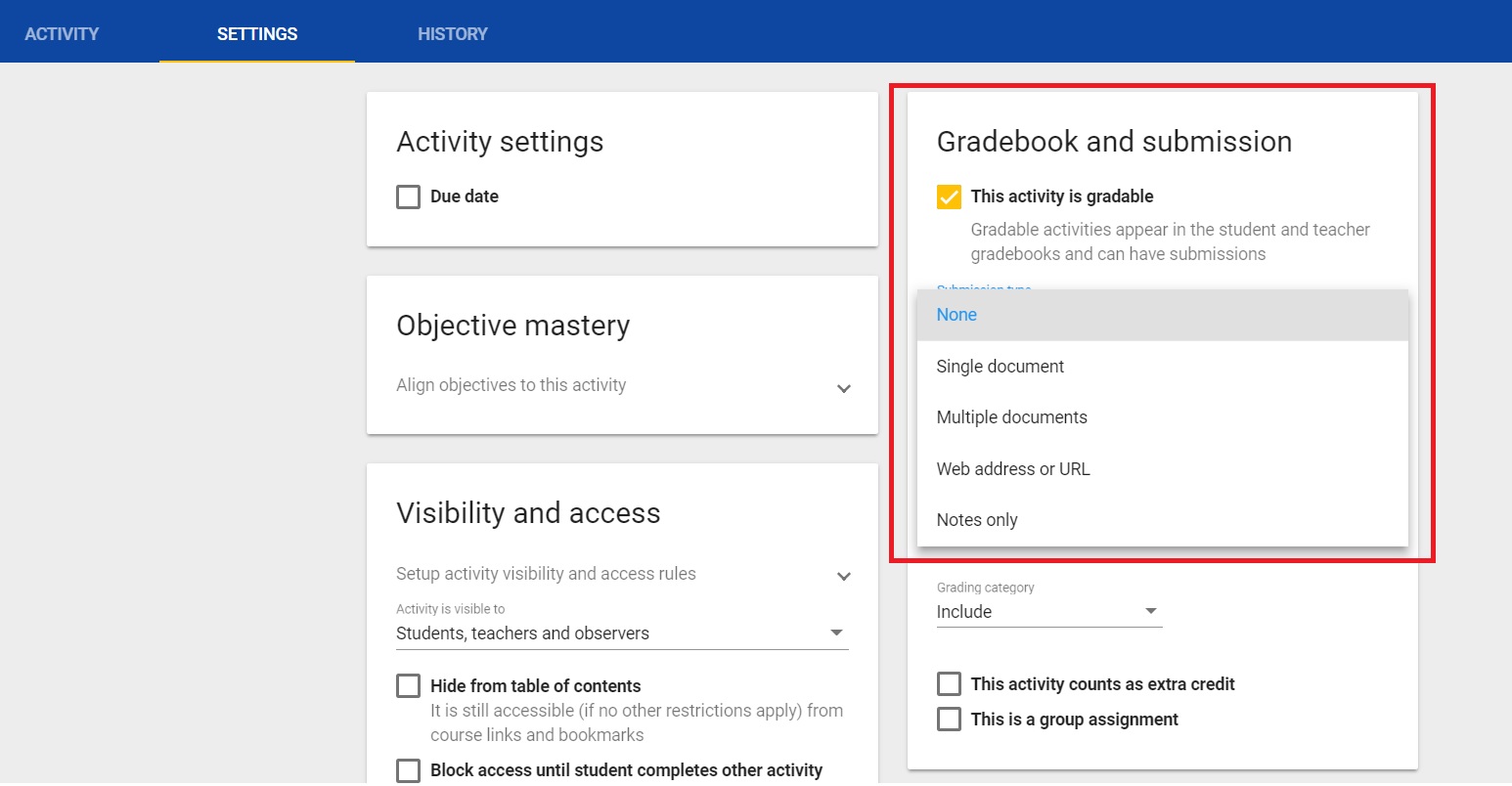
The feature to control the number of documents one may upload is located in the item settings under the "Submission type" drop down menu. Attached is a screenshot of the item settings location I am referring to. In it I have selected the menu option and I am presented with on option to allow for "multiple documents" to be submitted.