Answered
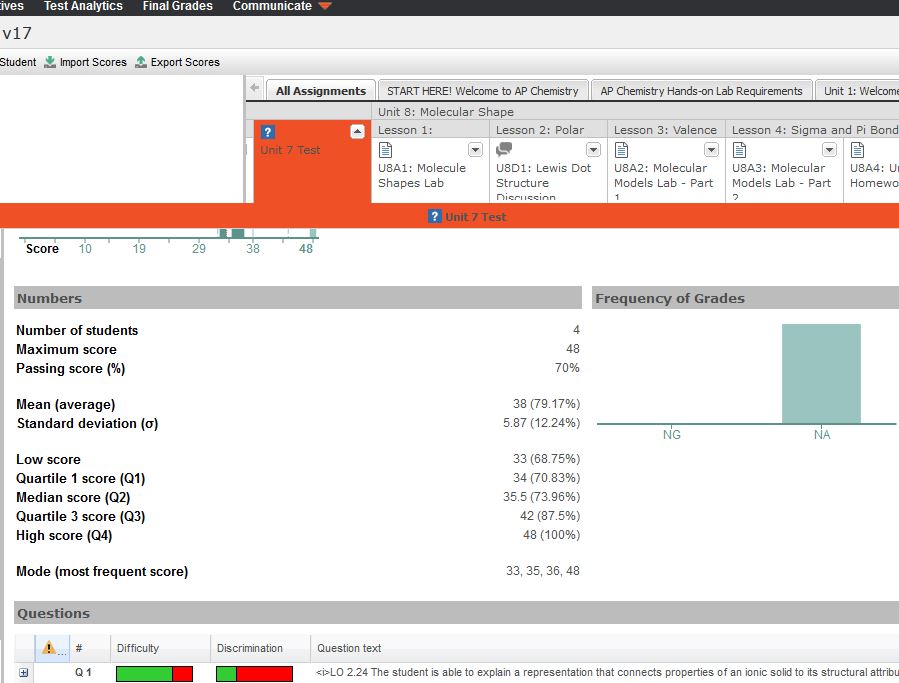
I am attempting to view the Test Analytics for my students who have completed first semester. I can change my gradebook options to see the inactive enrollments, but when I click on the assessment title and then choose Analytics, I do not get data for students who are inactive. A couple of screenshots are below. How can I see the test analytics for inactive students? I am most interested in the excellent item analysis where I can see Difficulty and Discrimination data for each question.
Note: I can still see the Difficulty and Discrimination data for all students, including inactive students, if I view via BrainHoney.
Thanks!

In Brainhoney:
Comments (1)
Hello Annette,
Thank you for bringing this up! This behavior will be updated in the new UI in the next update (22 Feb 2018) to allow for inactive enrollments to display in the analytics.