Answered
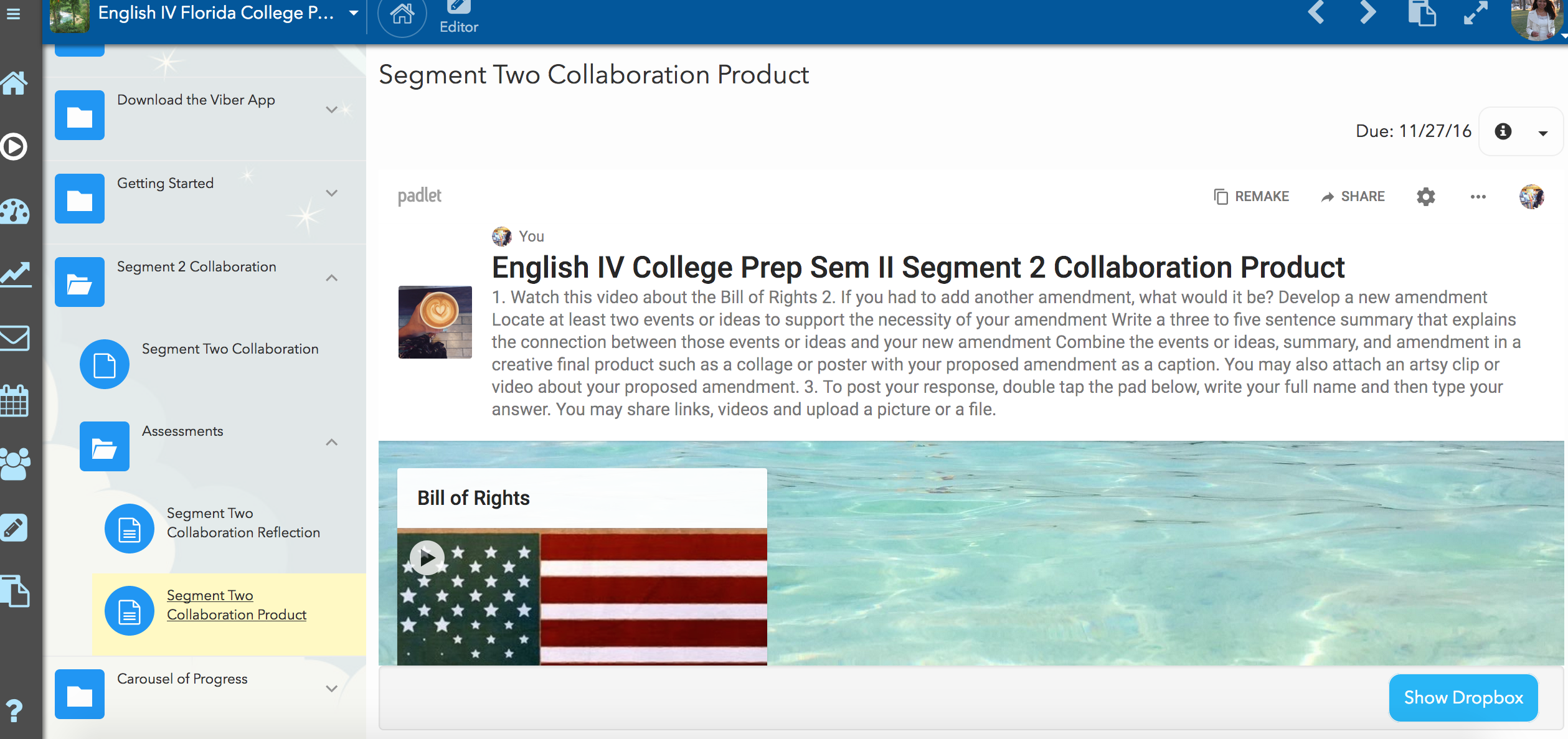
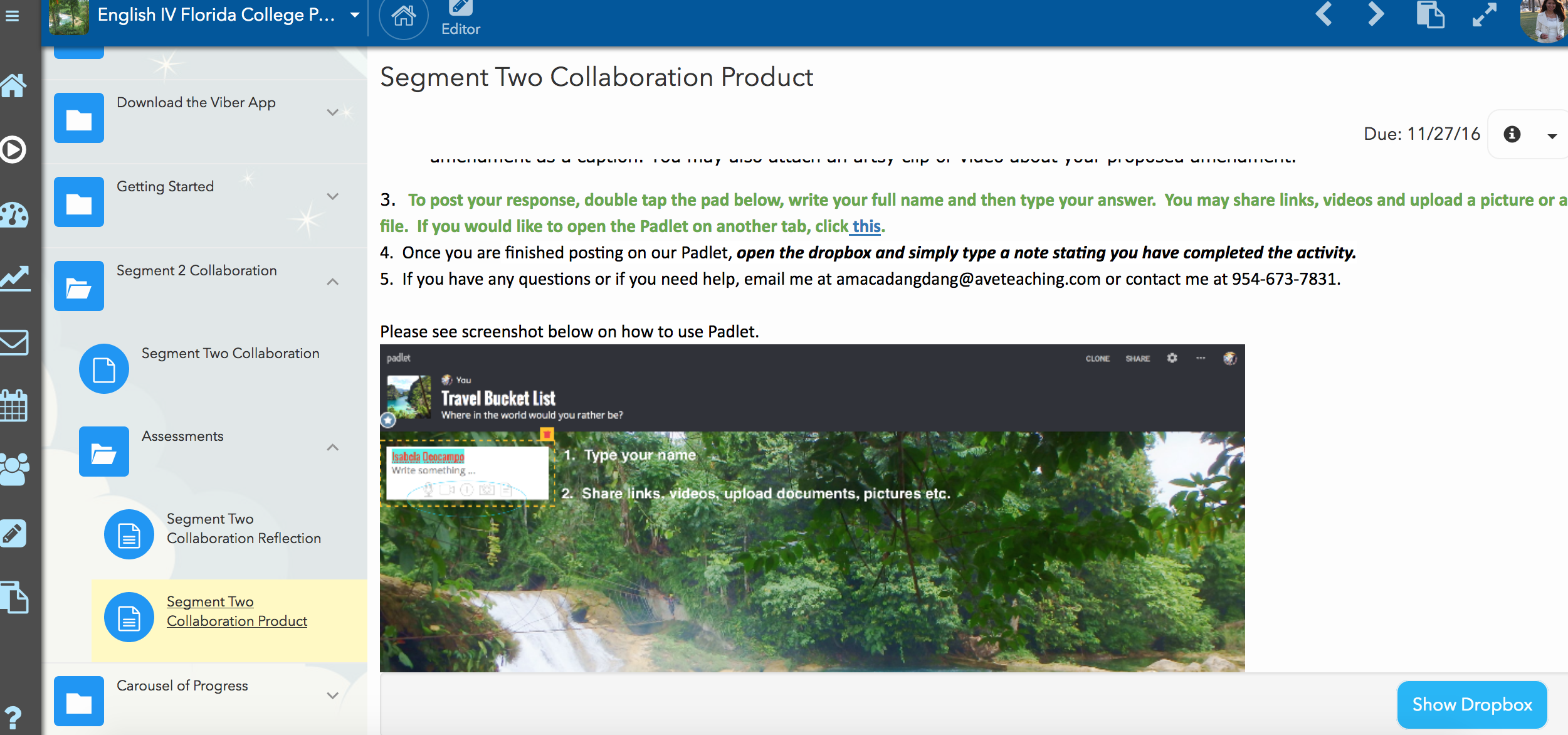
Hi! I hope you are well. Is there a way for teachers to save all the content added and published on Buzz so that it can be re-uploaded in the future? Please see screenshot below. Thank you for your time!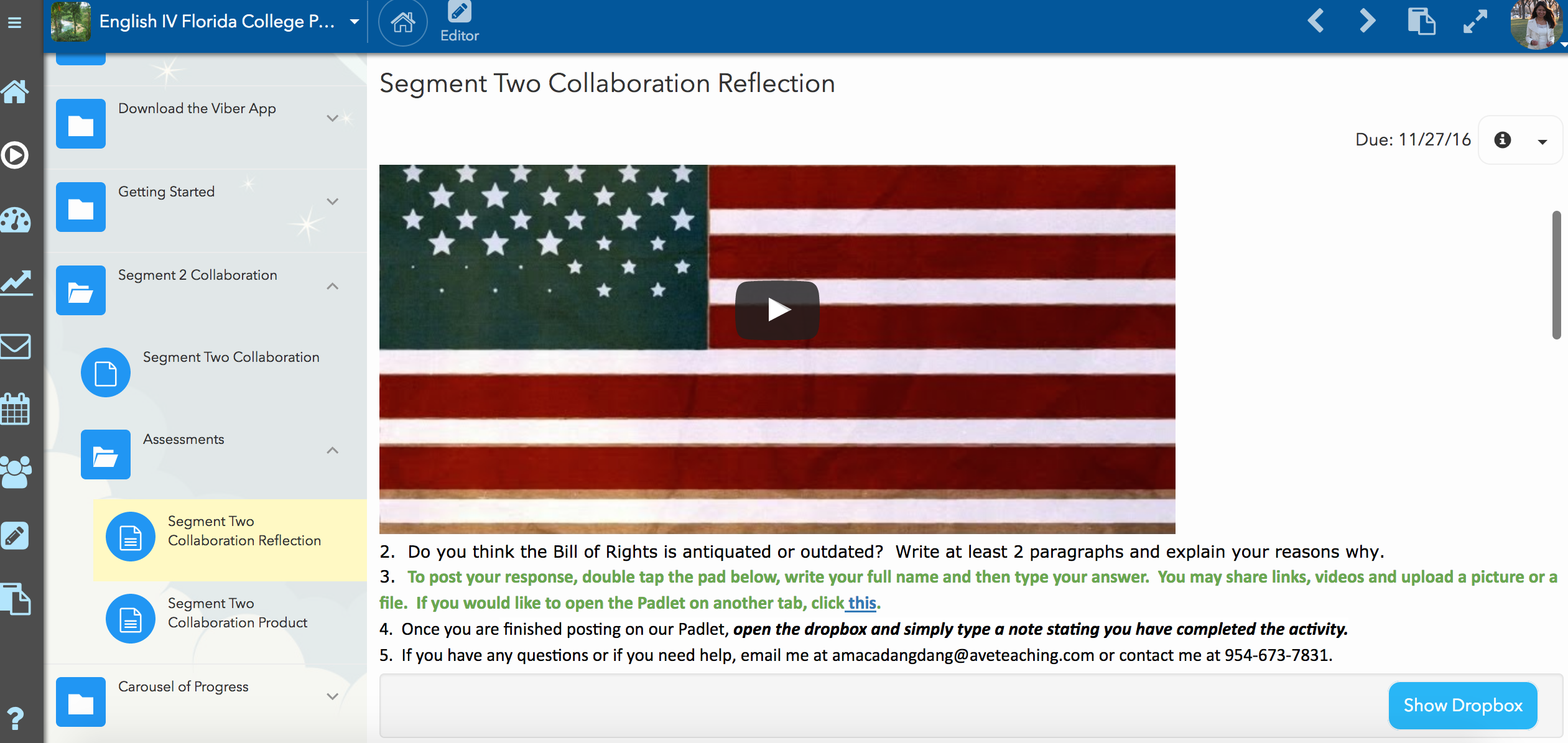
Comments (1)
There is not a way to export all course items/resources to be uploaded again in the future. If you wish to use courses or activities in a course again or in a separate course one can use the Digital Library. The Digital Library also makes it easy to share course items with other users and schools in Buzz.