Answered
We have a teacher from a particular school who is experiencing an issue accessing files.
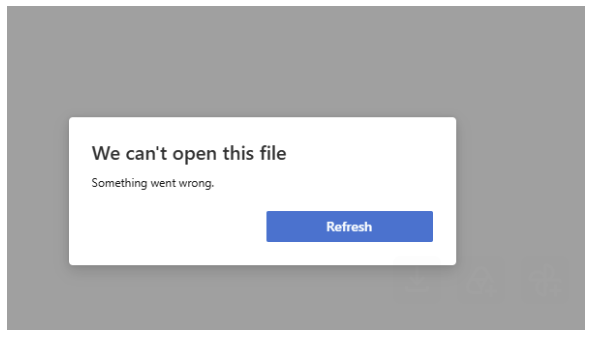
Most of the time, they can access files successfully, but at other times they receive this error.
Could this be just an issue with the device or internet connection, or is there also an issue with Buzz to factor in?
Comments (3)
Hey Mike,
Thanks for reaching out and for including that screenshot. It's hard to say without more context, but I believe that message comes from the Microsoft viewer Buzz uses to preview Office files, so it's usually a preview problem rather than the device or file itself. When the preview has trouble loading a file, it can show that error even though the Buzz itself is fine, which would explain why it only happens some of the time.
To help investigate, I would need one or two specific examples. Could you provide:
This will enable me to take a closer look and provide better insight.
Thanks!
Hi, Andrew! Thanks for the prompt response. For further context:
Hey Mike,
Thanks for the additional details. Since these are PDFs, the Office viewer I mentioned earlier wouldn’t be involved here. It's more likely a browser PDF viewer. Because this is happening sporadically across different files and file sizes, I would need more specific information to investigate such as the course ID, file name, browser being used, and approximate time it happened. Details like this are best handled through an official Agilix Support ticket rather than the community forum.
I recommend reporting this to your organization's authorized support representative. If needed, they can submit a ticket to Agilix Support with the necessary details so that we can take a closer look.
I hope this information helps. Let me know if there's anything else, and have a great day!